

Hi everyone,
I built this extension "Better Columns" because I wanted a better way (for me) to manage columns in EspoCRM.
It lets each user adjust the columns of EspoCRM list views for themselves.
Nothing changes for other users, and the administrator's layouts stay untouched.
All the features in this video :
What it does:

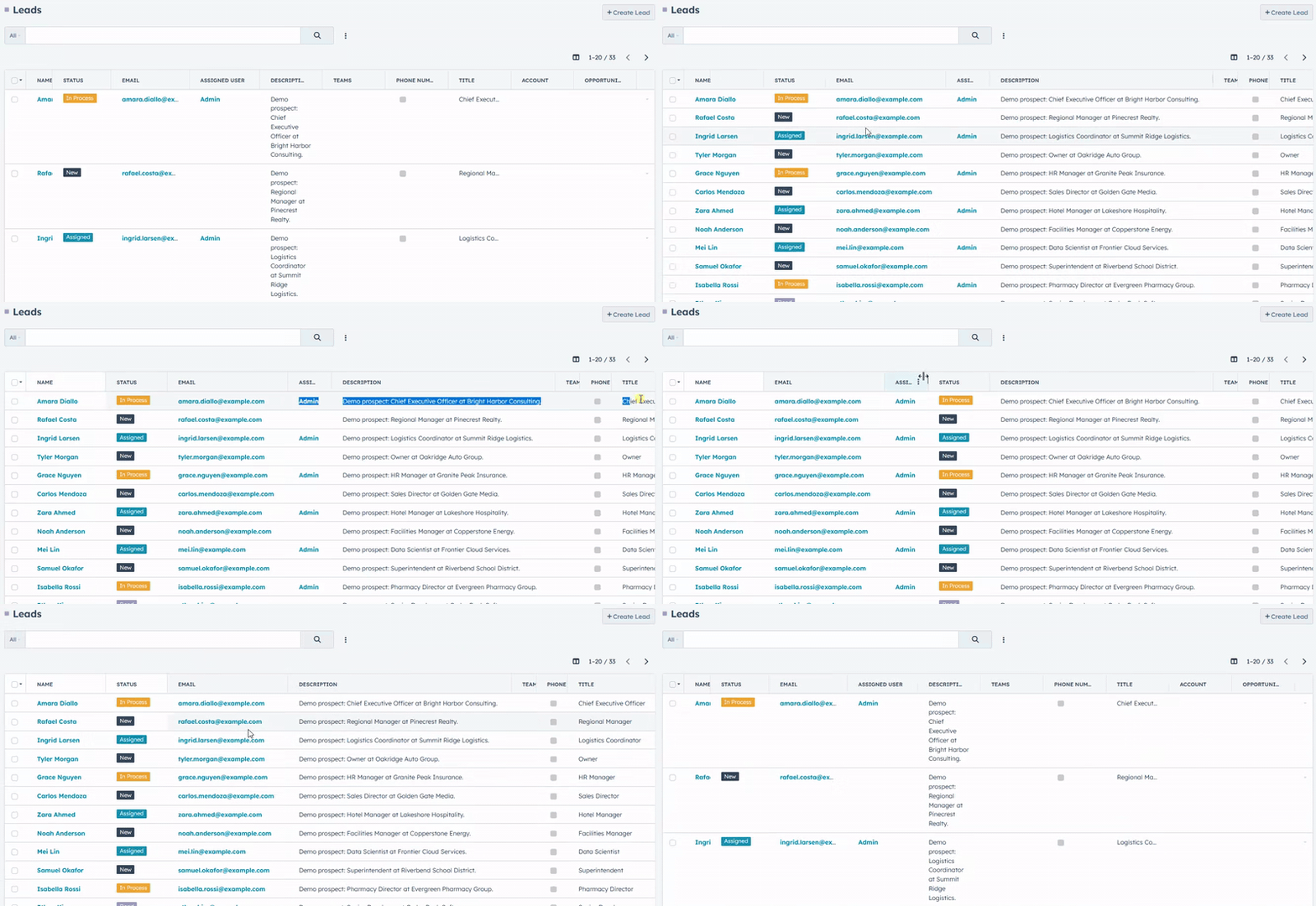
Change columns order
Your layout is saved in your browser, so it's still there when you come back.
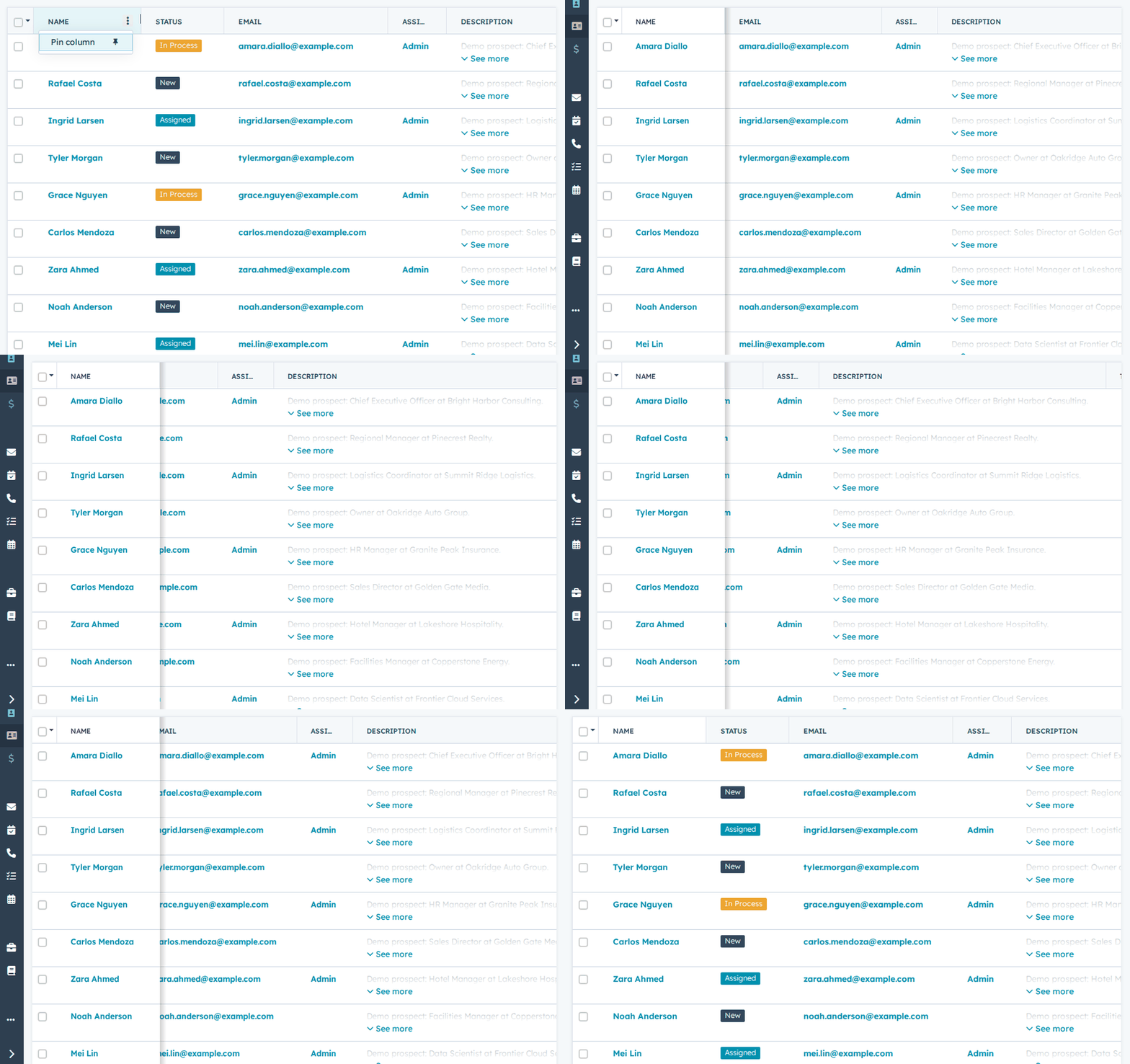
Pin 1 or more columns
Administrators can turn it on for all lists, only for administration lists, or per entity (for example, only Leads and Accounts).
You can download better-columns-1.1.0.zip from the latest release.
It's free, open source, and bug reports and suggestions are welcome, here or on GitHub.
Alexis
I built this extension "Better Columns" because I wanted a better way (for me) to manage columns in EspoCRM.
It lets each user adjust the columns of EspoCRM list views for themselves.
Nothing changes for other users, and the administrator's layouts stay untouched.
All the features in this video :
What it does:
- Resize a column by dragging its border, or double-click the border to fit it to its content
- Fit all columns from the Columns menu
- Reorder columns by dragging their headers
- Pin as many columns as you need to the left: they stay in place while the rest of the table scrolls
- Hide the columns you don't use, and show them again from the Columns menu
- Reset order, widths, pins and visibility in one click
Change columns order
Your layout is saved in your browser, so it's still there when you come back.
Pin 1 or more columns
Administrators can turn it on for all lists, only for administration lists, or per entity (for example, only Leads and Accounts).
You can download better-columns-1.1.0.zip from the latest release.
It's free, open source, and bug reports and suggestions are welcome, here or on GitHub.
Alexis


Comment